A drifting belt, skewed sheets, scuff marks, repeated jams or a conveyor that stops under load can damage an entire printed batch before the cause is clear. You will be able to triage the line safely, separate conveyor faults from press and packaging faults, and specify a repair test that proves the problem is fixed.
Key takeaways
- Stop, isolate, lock out, and quarantine material before inspection.
- Check belt tracking, tension, rollers, sensors, and jam points first.
- Compare conveyor symptoms with press, curing, and control-system faults.
- Record root cause, replaced parts, tests, and approved restart conditions.
What to inspect first when a printing conveyor fails
Stop the line at the first abnormal sound, drift, jam or product defect. Press the emergency stop, isolate electrical and pneumatic energy, apply lockout/tagout, and wait for stored motion to stop before opening guards. Quarantine material produced since the last confirmed good sample; otherwise a rushed test can create a second defective batch.
- Record the time, product, belt speed, fault code, affected side and exact conveyor location. Photograph the belt, splice, pulley and product position before cleaning or adjustment.
- Check for paper, ink, adhesive or dust packed around pulleys, idlers, sensors and transfer plates. Do not reach into a moving conveyor to remove it.
- Check whether the belt drifts empty, then under a controlled load. A drift that changes direction after one pulley or roller points to a skewed, seized, crowned or contaminated component.
- Confirm that idlers rotate freely, pulleys sit square to the conveyor centreline, and the splice is not damaged. Do not increase tension first; use the belt manufacturer’s minimum tension and correct the actual cause.
- Inspect photoelectric sensors for dust, ink mist, reflective surfaces and changed mounting distance. Record the sensor part number, supply voltage, wiring, output state and PLC input LED before changing logic.
- Escalate before restart if guards, grounding, interlocks, encoder feedback or a variable-frequency-drive alarm is unresolved.
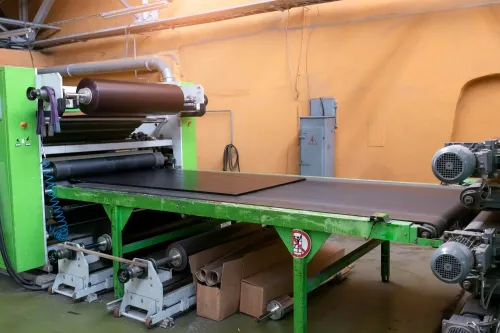
For printing conveyor issues, require a service provider to confirm support for the belt construction, drive brand, control architecture and press interface. Search terms such as printing conveyor for problems faridabad are not enough; the technician must restore accurate transfer, speed and safety—not merely make the belt move.
How to diagnose tracking, slip, skew, vibration and jams
Do not tension or replace the belt first. Run the conveyor empty, then loaded, and record which side drifts, where the drift begins, and whether loading changes it. Lock out the line before reaching near pulleys, rollers or guards.
Over-tensioning increases bearing, shaft and splice loads without correcting a skewed pulley, seized idler, uneven load or contamination.
Check these mechanical causes in order:
- Tracking that changes after one pulley or roller points to a locally misaligned, seized, crowned or dirty component. Check pulley squareness to the conveyor centreline and turn every idler by hand.
- Slip requires inspection of drive lagging, belt tension against the belt maker’s minimum, motor current, gearbox noise and accumulated ink or dust. A loose or glazed drive surface can slip even when the belt looks sound.
- Product skew usually begins with uneven loading, a crooked transfer plate, a side guide touching the product or a belt splice that is not square.
- Vibration and impact noise require checks for splice straightness, fastener projection, joint thickness, edge separation, worn bearings and bent rollers. A repeatedly reopening splice needs re-splicing or replacement, not tracking adjustment.
- Jams require checking transfer gaps, trapped product, guide alignment and accumulation pressure before restarting.
| Symptom | Mechanical check | Likely finding |
|---|---|---|
| Tracking drift | Observe the first pulley where direction changes | Misalignment, seizure or buildup |
| Uneven speed | Compare belt speed with an independent tachometer | Drive slip, gearbox fault or overload |
| Vibration or noise | Inspect rollers, bearings and splice | Wear, damage or protruding fasteners |
| Jams or skew | Check transfers, guides and loading | Obstruction, side pressure or uneven feed |
These checks separate genuine printing conveyor issues from a belt that is only showing a downstream fault.
How to separate conveyor faults from press, curing and control faults
Run the conveyor empty and loaded while recording drift, speed, stops and transfer quality. Compare actual belt speed with an independent tachometer, not only the HMI: verify encoder feedback, gearbox ratio, commanded speed and VFD frequency. A mismatch between press delivery and conveyor speed creates gaps, overlap, skew and scuffing.
1. If drift appears empty, inspect pulley alignment, seized idlers and the splice. If it appears only under load, check belt tension, uneven loading and product contact. The conveyor is the likely source.
2. If the belt speed is stable but sheets arrive irregularly, compare the press delivery timing and nip speed with the conveyor encoder. A press fault produces inconsistent output before the transfer point.
3. If print quality changes after heating, measure curing temperature, dwell time, airflow and belt residence time. A curing fault leaves tacky or under-cured product that scuffs downstream, even when belt speed is correct.
4. If stops occur without a mechanical jam, inspect photoelectric lenses, mounting distance, supply voltage, wiring, output state and PLC input LED. Paper dust, ink mist or reflective stock can mimic a logic fault. Check the coding machine’s trigger and registration signal before changing PLC logic.
5. If the conveyor passes its test but cartons back up, isolate the packaging line: run the conveyor into a clear zone and check accumulation sensors, reject gates and downstream speed.
Require industrial printing conveyor support to document the belt construction, drive brand, control architecture and press interface. A printing conveyor repair Faridabad provider that cannot test interlocks, encoder scaling and VFD alarms can restore movement without restoring production.
How ink, dust, heat and belt condition create repeat failures
Repeat failures usually begin with residue, not the motor. Ink, varnish, paper dust and cleaning chemicals can swell or harden a belt cover, contaminate rollers, seize bearings and mark printed surfaces. Vacuum loose dust; wipe with a lint-free cloth and the belt maker’s approved cleaner. Do not blast sensors or bearings with compressed air.
Remove cured ink mechanically only with a tool that cannot cut the belt.
- Select a belt by chemical compatibility, temperature rating, coefficient of friction and cleanability—not just width and length. A mismatch causes slipping, swelling, hardening or scuffing.
- Inspect the pulley and idlers where drift changes direction. Check pulley squareness against the conveyor centreline, remove contamination and confirm every idler rotates freely before increasing tension.
- Establish the manufacturer’s minimum tension. Over-tensioning loads bearings, shafts and the splice, creating another failure instead of fixing printing conveyor issues.
- Control Faridabad plant conditions: use extraction around ink mist, keep paper dust away from photoelectric lenses, and prevent direct heat from curing equipment from exceeding the belt’s rated temperature.
- Bond and ground the frame, belt system and sensors as designed. Dry paper, polymer belts and high-speed contact create static that attracts dust, sticks sheets, causes double-feeding and resets controls.
| Belt choice | Verify before installation | Failure prevented |
|---|---|---|
| PVC or PU cover | Ink and solvent compatibility | Swelling and hardening |
| High-temperature grade | Actual curing-zone temperature plus safety margin | Softening and premature wear |
| Low-marking surface | Friction and cleanability data | Scuffing and print marks |
| Static-control construction | Resistance and grounding method | Dust attraction and discharge |
What a fast repair service must document before restart
Do not accept “belt running” as a repair report. Require the provider to record the belt construction, drive and gearbox brands, VFD model, PLC and encoder arrangement, press interface, replaced parts, measurements, alarms and photographs before release. For printing conveyor repair in Faridabad, this record separates restored production from temporary movement.
Require this emergency checklist:
- Guarding, covers, nip points and fasteners refitted; tools and debris removed.
- Pulley squareness, free idler rotation, belt tracking and tension recorded.
- Sensor part numbers, wiring, supply voltage, output state, mounting distance and PLC input LED documented.
- VFD fault history, motor current, gearbox oil condition and encoder feedback checked under load.
- Emergency stops, guard interlocks and restart inhibition tested.
- Press, conveyor, curing, coding and packaging handshakes confirmed.
Use these acceptance tests before releasing the line:
| Test | Pass evidence | Stop condition |
|---|---|---|
| Empty tracking | Belt stays centred through every pulley | Drift changes at one roller |
| Loaded tracking | No slip, skew, scuffing or accumulation | Product contacts guides |
| Speed verification | Independent measurement matches command and encoder | HMI disagrees with measured speed |
| Repeated cycling | Starts and stops without trips | VFD overload or delayed restart |
| Sensor detection | Reliable detection at production speed | Missed or false trigger |
| Observation run | Current, temperature and transfer quality remain stable | Heat, noise or load fault returns |
Sunrise Conveyors can be evaluated against this same evidence when you need industrial printing conveyor support; the provider should supply signed readings, test duration and operator acceptance, not only an invoice.
Related products
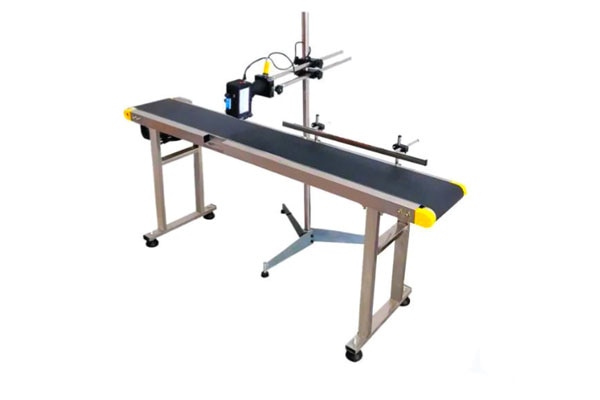 | Material Handling Equipment A print conveyor is a specialized conveyor system used in printing and packaging industries to transport printed materials smoothly between different... View product → |
 | Material Handling Equipment Rewinding Machine For Batch Coding A winder / rewinder conveyor is used to wind or rewind materials such as films, paper, foil, or sheets in a controlled manner. View product → |
Frequently asked questions
What should you inspect first when a printing conveyor fails?
Stop the line, press the emergency stop, isolate electrical and pneumatic energy, apply lockout/tagout, and quarantine material made since the last confirmed good sample. Then inspect belts, rollers, guards, sensors, drive components, and visible jam points.
How do you diagnose tracking, slip, skew, vibration, and jams?
Check belt alignment and tension for tracking or slip, product guides and transfer points for skew, bearings and rollers for vibration, and accumulation zones, sensors, and clearances for jams. Record the symptom, location, operating speed, and conditions when it occurs.
How can you separate conveyor faults from press, curing, and control faults?
Compare the defect with conveyor speed, belt position, transfer timing, and sensor signals. If the conveyor runs correctly during a controlled test but defects remain, inspect press registration, curing temperature or airflow, and PLC or sensor logic.
What must a fast printing conveyor repair service document before restart?
Document the fault, root cause, isolation steps, damaged or replaced parts, belt and roller settings, sensor checks, test-run results, product inspection, and the person approving restart.
Related products
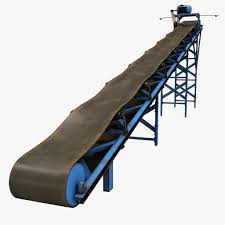 | Industrial Conveyor System Belt Conveyor is a durable and efficient material handling system designed for smooth and continuous transportation of bulk materials and goods. View product → |
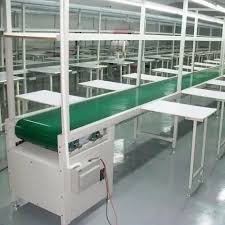 | Assembly Line Belt Conveyor Assembly Line Belt Conveyor is designed for smooth, continuous, and efficient movement of products along assembly and production lines. View product → |
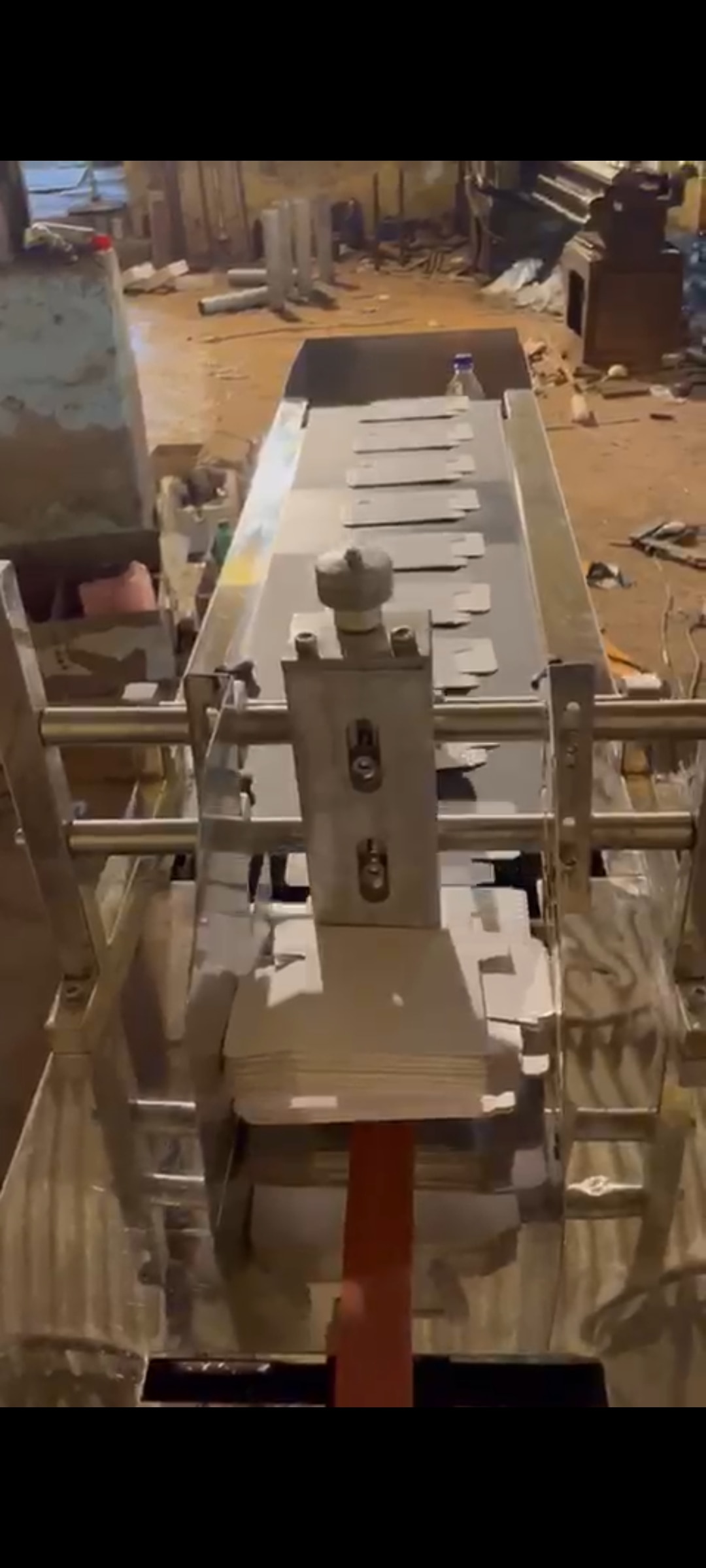 | Material Handling Equipment Stacker Conveyor For Coding And Batch Printing A stacker / destacker conveyor is designed to automatically stack or separate products during material handling operations. View product → |
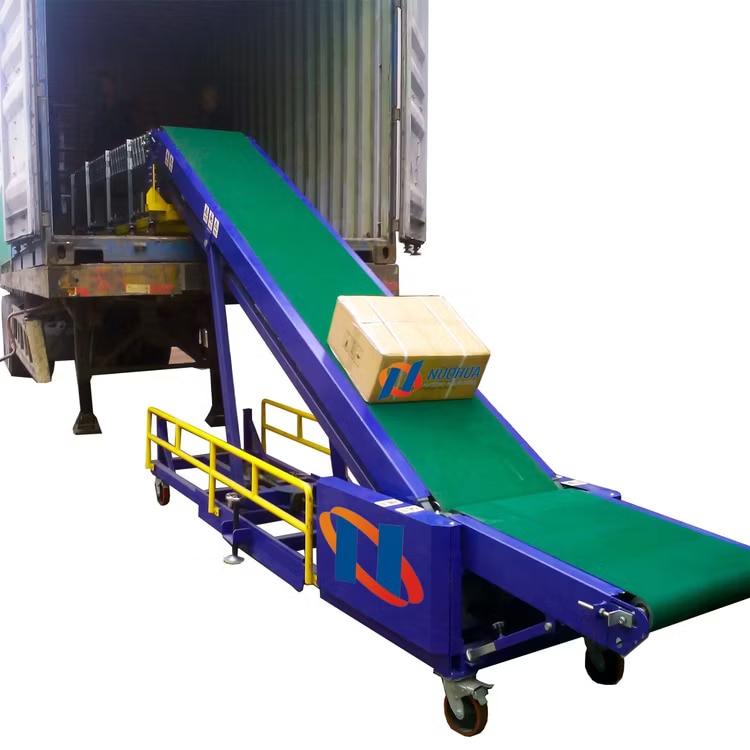 | Material Handling Equipment Loading and unloading conveyors are material handling systems used to move goods efficiently during loading and unloading operations. View product → |
Keywords