A missing, duplicated, blurred, or misplaced batch code is not automatically a printer failure. You can isolate the cause by checking the trigger, encoder, product presentation, print settings, and stacker mechanics in the right order, then validate the complete line at production speed before changing parts.
Key takeaways
- Inspect the first bad pack at the stacker before replacing conveyor parts.
- Correct pack spacing, sensor timing, nozzle distance, and print settings first.
- Compare the coding method with the actual pack surface, speed, and changeover demands.
- Record fault patterns, downtime, batch details, and test results for escalation.
Trace the fault from the code to the stacker
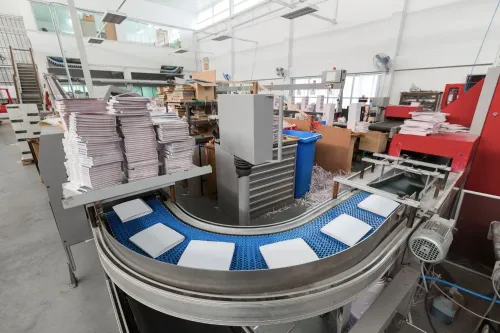
Begin at the exact stacker location where the defect first appears, then trace upstream before replacing parts. For stacker conveyor issues faridabad teams should separate presentation faults from coding faults using this symptom map:
| Symptom | Likely source |
|---|---|
| Skewed packs or uneven spacing | Belt tracking, loose tension, pulley misalignment, worn idlers, damaged guide rails, or a moving sensor bracket |
| Missed codes | Absent product-present signal, blocked printhead, incorrect inkjet settings, PLC permissives, wrong recipe, or trigger delay |
| Duplicate codes | False photoelectric triggers from carton flaps, reflective film, gaps, or overlapping products |
| Blurred characters | Printhead vibration, excessive stand-off distance, dust, condensation, or unstable presentation |
| Tipping, stack collapse, belt-stop, or jams | Product instability, blocked transfer plate, poor tracking, failed interlock, or unsafe guarding |
Inspect in this order:
- Encoder feedback and actual conveyor speed
- Product-to-product gap
- Photoelectric alignment, shielding, and trigger state
- Printhead distance and trigger timing
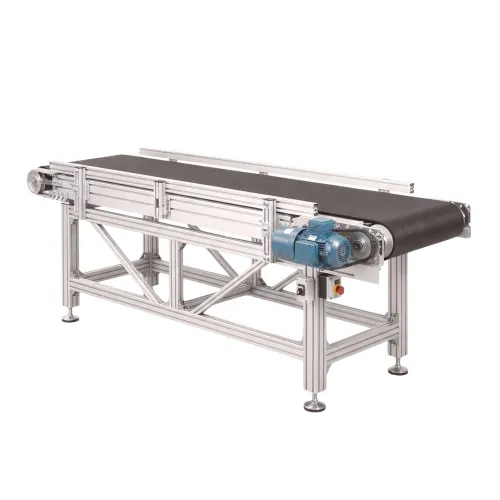
- Belt tracking, tension, guides, and idlers
- Reject confirmation, PLC handshake, and line-stop logic
Check whether the code is hidden by a flap, seam, glue bead, fold, or downstream label. Record duplicate-code events, product tipping, stack collapse, belt stops, and jams at their precise locations. Treat inadequate guarding and blocked transfer plates as mechanical and safety faults, not coding faults.
Correct timing, presentation, and print quality before changing hardware
A code landing in the wrong place is a timing fault until proven otherwise. Encoder pulses, product-sensor position, belt speed in metres per minute, product pitch, print delay, and printhead-to-product distance jointly set placement.
Record product gap, line speed, code height, permitted detection-to-print offset, and the printer maker’s nozzle stand-off distance; verify each at minimum and maximum speed, not with an open-loop timer.
| Coding stage | Required print face | Main displacement risk |
|---|---|---|
| Before stacking | Exposed top or side face | Rotation or skew before the stacker |
| During transfer | Face held clear across the transfer plate | Compression, overlap, or guide contact |
| After stacking | Stable outer face of the completed pack | Stack movement, height variation, or hidden code |
Smearing against belts, guide rails, rollers, or freshly stacked packs indicates presentation or drying trouble. For continuous-inkjet, inspect nozzle cleanliness, perpendicularity, vibration, ink drying, and substrate temperature. For thermal-transfer, check ribbon-coating compatibility, wrinkles, pressure, dwell, and energy; raising temperature alone can burn film and shorten printhead life.
- Check dust, heat, humidity, condensation, dark or reflective film, wrinkled labels, changing pack heights, approved consumables, enclosure condition, cleaning intervals, and voltage protection.
- For intermittent failures, capture trigger state, selected recipe, encoder pulses, PLC handshake, permissives, line-stop logic, and reject confirmation.
- If timing is correct but placement moves, inspect belt slip, sensor position, and product pitch before replacing hardware; these are common coding batch printing conveyor problems.
Choose the coding and conveying method against the real pack
For stacker conveyor coding batch problems in Faridabad, choose the code method and handling path from the finished pack, not the printer catalogue.
| Method | Fit | Limitation |
|---|---|---|
| Continuous-inkjet | Fast, non-contact coding on many substrates | Needs controlled drying, clean printheads and stable presentation |
| Thermal inkjet | Sharp text and barcodes on suitable porous or coated packs | Ink drying and printhead cleanliness control reliability |
| Thermal-transfer overprinting | Durable codes on films, labels and flexible webs | Ribbon coating must match the substrate; wrinkles, pressure and dwell affect print |
| Laser marking | Permanent, solvent-free marking | Requires compatible substrate, focal-distance validation, fume extraction and guarding |
| Pre-printed labels | Useful where artwork and code are fixed before packing | Needs a flat, stable application surface and accurate placement |
Reject a stacker for fragile, cylindrical, unstable, mixed-size or height-changing packs when turning, compression or overlap can hide the code. Use a manual stacking station for low volume, a roller conveyor for controlled transfer, an accumulation conveyor for spacing and buffering, or a robotic pick-and-place cell for mixed patterns and precise placement.
Validate the final code after accumulation and palletizing.
Require the supplier, including Sunrise Conveyors, to review dimensions, weight, material, coating, code position and clear zone, content, characters per line, readability target, belt speed, throughput, accumulation, stacking pattern and floor space.
Run a trial with representative packs, actual ink or ribbon, intended batch format, maximum speed, expected skew and final stack pattern. The quotation must state assumptions and guaranteed performance figures.
Related products
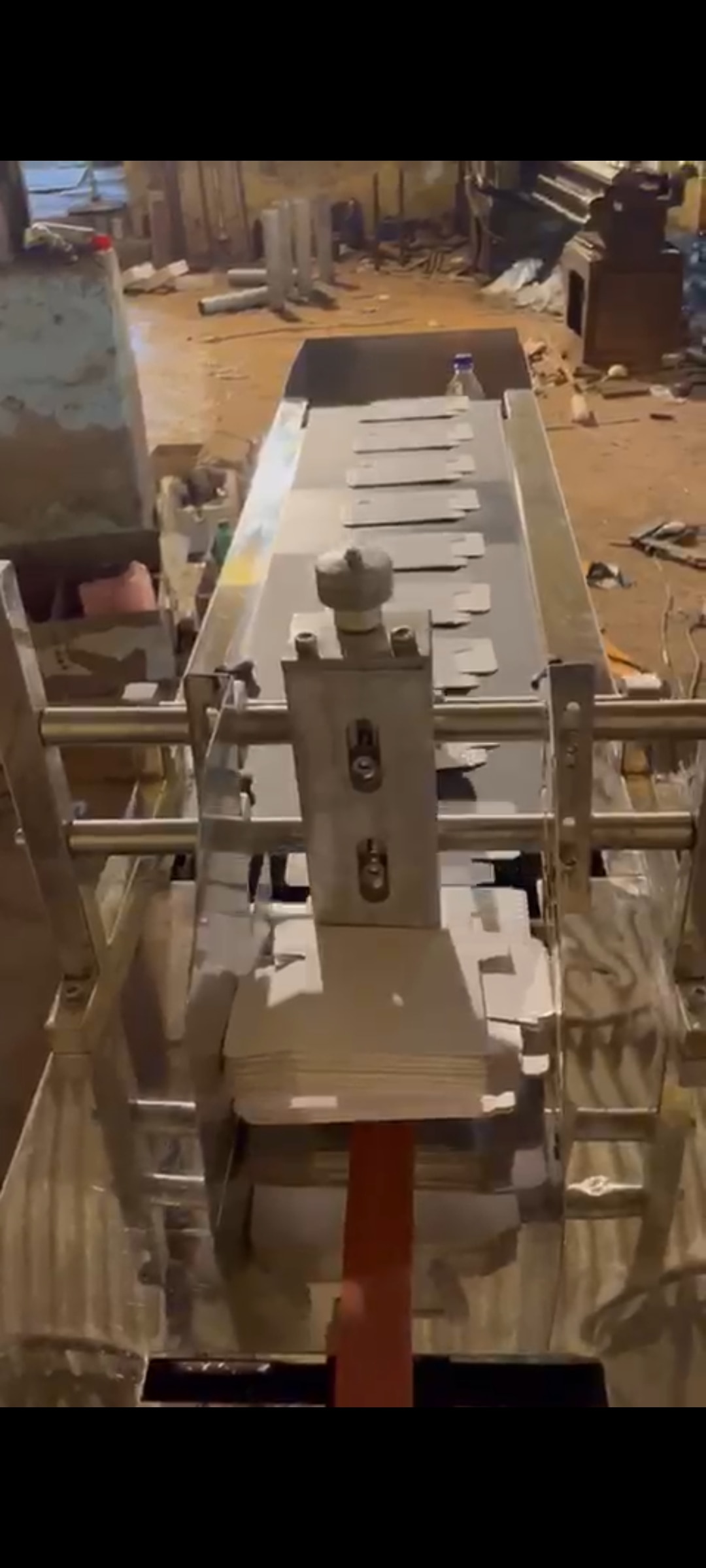 | Material Handling Equipment Stacker Conveyor For Coding And Batch Printing A stacker / destacker conveyor is designed to automatically stack or separate products during material handling operations. View product → |
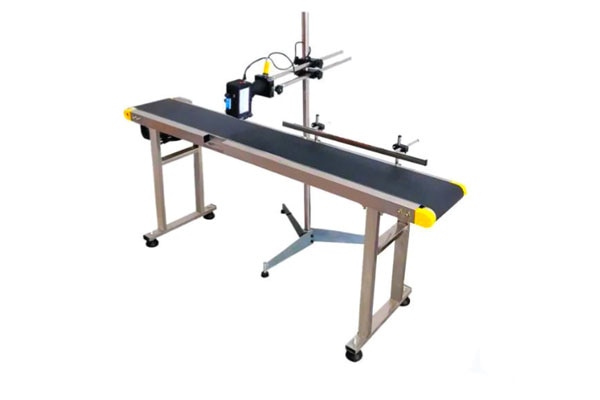 | Material Handling Equipment A print conveyor is a specialized conveyor system used in printing and packaging industries to transport printed materials smoothly between different... View product → |
Commission the line, manage changeovers, and prevent repeat failures
A line is commissioned only after it proves repeatable performance at minimum and maximum speed, not after one readable sample. Record the result against the production order and retain the signed approval.
1. Approve the first-off pack against the production order: date and time source, lot or batch input, character format, print position, clear print zone, selected recipe, and permission control that blocks the previous batch.
Check code legibility, barcode or OCR scanning, stack height, product damage, smearing, restart behaviour, emergency-stop response, reject confirmation, changeover time, and performance at both speed limits.
2. For every size change, adjust guides, select the correct recipe, reposition the product sensor, set print delay and printhead height, then confirm stack-count settings. Run and approve a first-off again; editing the text field alone is not a changeover.
3. Release the line only when the checklist passes: codes scan after stacking, packs do not rotate, overlap, tip, or collapse, and the reject device removes a deliberately defective pack. Test stop-and-restart cycles and record actual changeover minutes.
4. Inspect weekly for belt tension and tracking, pulley and idler condition, guide rails, sensor brackets, encoder wheels, transfer plates, guarding, printheads, ink systems, ribbons, and stacker actuators. Check fasteners and loose tension each shift; clean printheads and ink systems to the maker’s schedule.
5. Apply lockout/tagout before clearing jams or servicing. Isolate electrical and pneumatic energy, verify guarding and emergency-stop tests, and never reach into an operating automatic stacking zone. Use printing packaging conveyor support when records show a repeated controls or mechanical failure.
Measure the loss and prepare a Faridabad support escalation
Calculate the recurring-fault cost per shift before escalating stacker conveyor issues Faridabad teams keep seeing: rejected packs + wasted ink or ribbon + stoppage minutes × lost production value per minute + manual restacking + rework + disposal. This figure shows whether a planned repair costs less than another week of disruption.
1.
Collect photographs of the code and print zone, a short jam video, alarm text, conveyor speed, product dimensions and weight, substrate and coating, printer technology and model, sensor position, encoder and delay settings, code recipe, error logs, ambient temperature and humidity, cleaning interval, packaging lot, recent maintenance work, and the exact stacker point where the defect first appears.
2. Ask for the wiring diagram, pneumatic schematic, PLC and HMI backup, sensor list, spare-parts list, fault-code history, operating manual, maintenance schedule, and written service-response process. Without these records, printing packaging conveyor support often stops at generic cleaning advice.
3. For a Faridabad site, confirm access arrangements, response expectations, remote diagnostics, critical ink or ribbon and spare-sensor availability, commissioning support, operator training, and coordination with the existing packaging-line integrator.
4. Require review of the PLC handshake, encoder, printer trigger, reject confirmation, conveyor, and final stacking point—not only frame construction or rated speed. Use the evidence to choose cleaning, recipe correction, sensor relocation, mechanical repair, controls integration, or planned part replacement.
When the fault returns, record whether it follows humidity, dust, a packaging lot, or recent maintenance.
Frequently asked questions
How do you trace a coding fault to a stacker conveyor?
Start at the exact stacker location where the defect first appears, then inspect pack presentation, spacing, sensor response, coder timing, and print quality upstream.
What should you correct before changing conveyor hardware?
Check pack spacing, conveyor speed, encoder settings, photoeye position, printhead distance, nozzle condition, ink supply, and batch-code legibility.
How do you choose a coding and conveying method for print packaging?
Match the coder and conveyor to the real pack material, surface, line speed, code size, orientation, product handling needs, and changeover frequency.
What information should a Faridabad conveyor support escalation include?
Send the machine and coder details, batch number, pack dimensions, line speed, photos of good and bad codes, fault location, downtime, recent changes, and test results.
Related product
 | Material Handling Equipment Rewinding Machine For Batch Coding A winder / rewinder conveyor is used to wind or rewind materials such as films, paper, foil, or sheets in a controlled manner. View product → |
Keywords