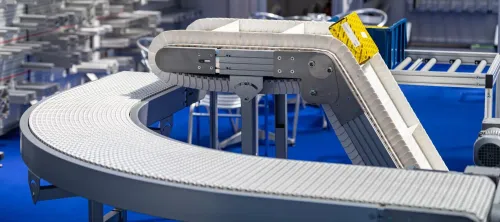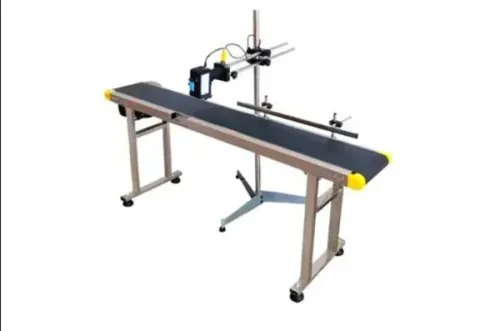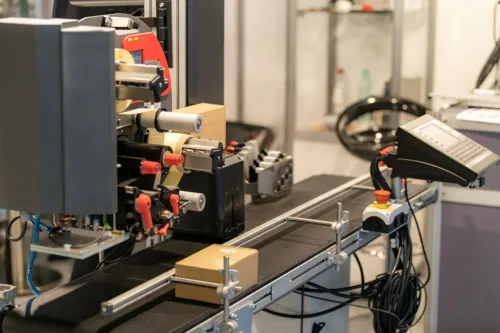
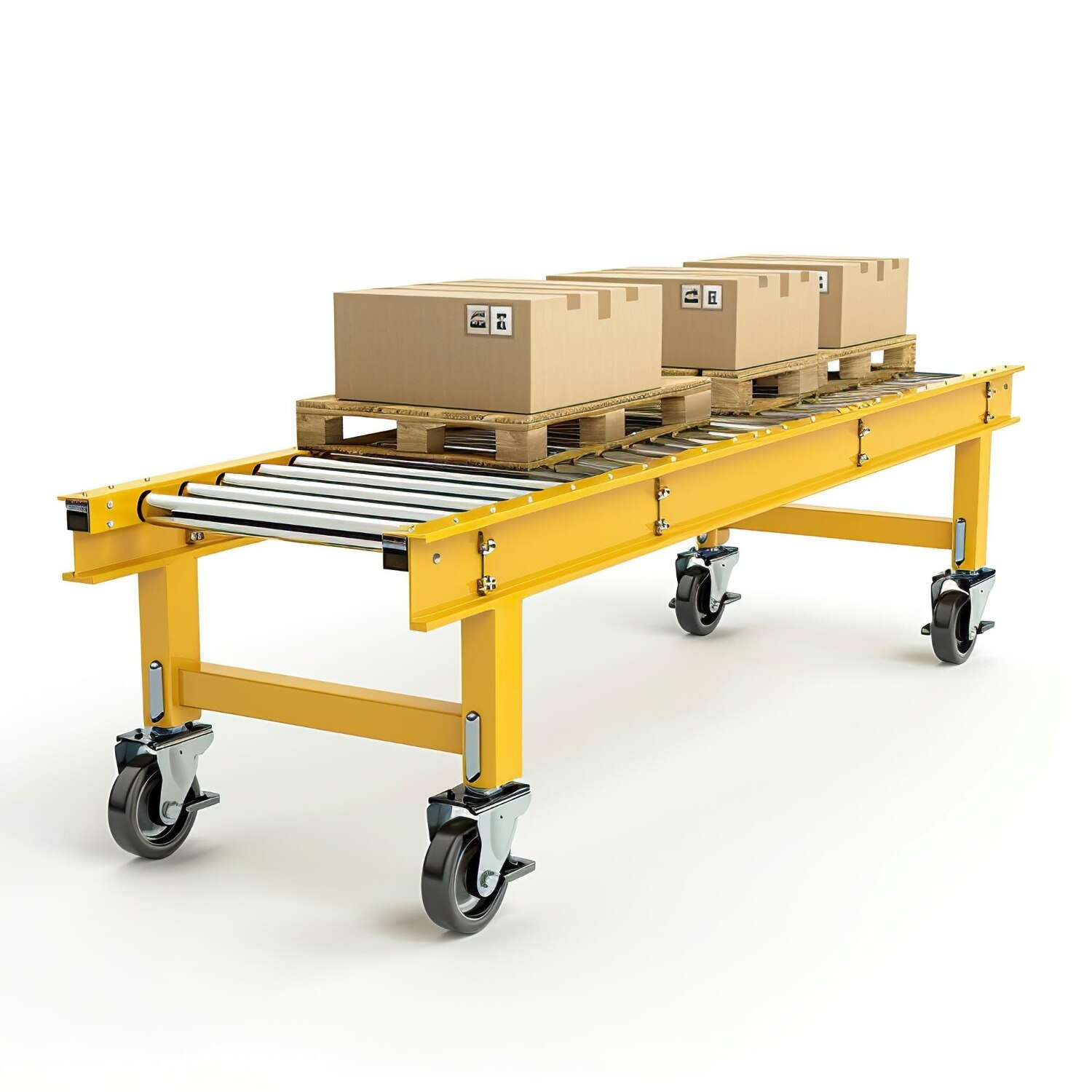
A stacker selected for accumulation is not automatically suitable for printing, because coding depends on stable product presentation, accurate triggering, controlled speed, and repeatable print distance. By the end, you will be able to define the product, conveyor geometry, coding interface, environmental protections, and supplier guarantees your Delhi installation requires.
Key takeaways
- Place the printhead before hinges, transfers, telescoping sections, and changing inclines.
- Test belt geometry and product control using the heaviest and least stable package.
- Match conveyor speed and sensor timing to the printer’s trigger and print cycle.
- Demand measured specifications for speed, stability, interfaces, guarding, and Delhi site conditions.
Place the coding zone before the stacker’s unstable movement
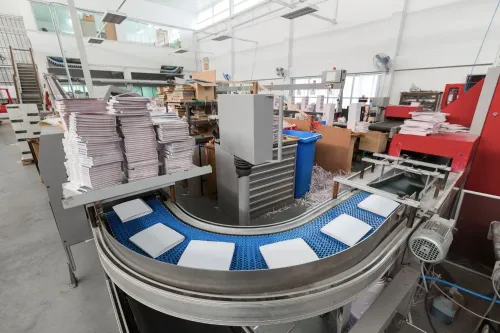
Place the printhead on a straight, rigid, fixed section after the infeed and before any hinge, telescoping boom, transfer point, or changing incline. A stacker conveyor for coding belongs after the print zone when movement could change product orientation or the sensor-to-head distance.
1. Define the product before selecting the conveyor: empty cartons, pouches, bottles, cases, labels, sheets, or another format. Record each item’s length, width, height, mass, centre of gravity, surface, flexibility, and required print face. State whether it arrives flat, upright, face-up, face-out, or in overlapping groups.
2. Reserve room for the printhead, sensor, encoder, cable routing, and cartridge or ribbon replacement. Allow the required curing or drying distance before handling, then place an accessible camera or code reader downstream. It must check code presence, position, legibility, and content before discharge into the stack.
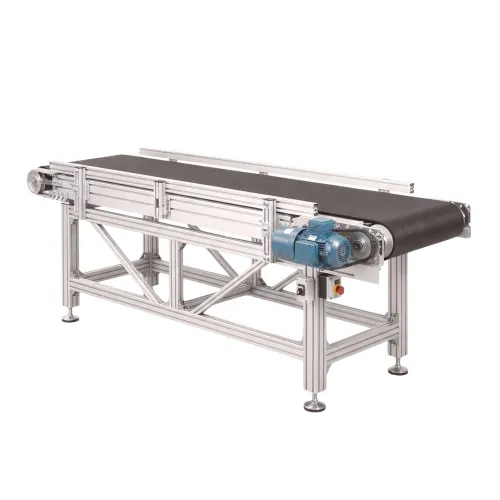
3. Keep belt joints, idlers, chain drives, telescoping movement, and product impacts outside the print zone. A coding conveyor Delhi layout must accommodate inkjet, thermal inkjet, laser, thermal-transfer, or batch-code equipment without vibration or blocked service access.
4. Specify the discharge and stacking path separately. Use the stacker for elevation, accumulation, or loading only after verification when its motion could rotate products or alter their print face. This arrangement stops the stacker’s discharge action from creating missing, misplaced, faint, or unreliable codes.
Specify belt geometry and product control from the real package
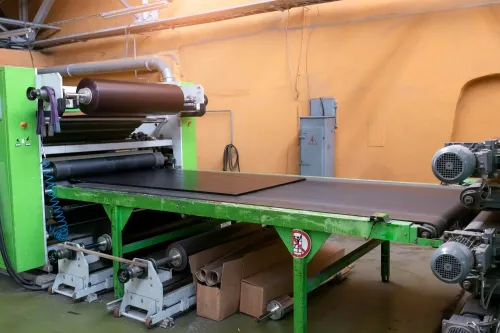
Specify the belt from the real package, not the printer frame. Measure its footprint, mass, centre of gravity, friction, flexibility, permitted orientation, and guide clearance. Leave enough usable conveying width to prevent contact, but do not create space for rotation.
| Package | Belt and control choice | Risk to check |
|---|---|---|
| Cartons or corrugated cases | Low- to medium-grip polyurethane belt; side guides for drift | Dust, scuffing, ink absorption |
| Flexible pouches or sacks | Close belt support, shallow incline, soft guides; hold-down only after testing | Deformation, sliding, trapped edges |
| Bottles | Higher-grip belt with controlled guides | Tipping, bouncing, label rub |
| Labels or sheets | Smooth belt and precise lateral control | Curling, overlap, separation |
| Plastic film packs | Surface chosen for release, not maximum grip | Slow drying and print-face abrasion |
Ask each stacker conveyor Delhi supplier to state:
- Usable conveying width and overall belt width
- Conveyor length, incline angle, discharge height, stacking height, and height-adjustment range
- Belt material, surface grip, frame material, rated load, and tracking method
- Whether capacity means pieces per minute, tonnes per hour, or bulk flow, with product spacing and incline named
Use cleats, flights, stops, or a hold-down only after testing their effect on the print face. A shallow incline often preserves orientation better than a steep one; excessive grip can prevent clean release.
Run the actual package at the intended speed. Friction, dust, mass, and centre of gravity reveal slipping, bouncing, rotation, tumbling, or separation. Keep belt joints, idlers, chain drives, and impact points outside the print zone, with a rigid frame, aligned pulleys, effective tracking, and close belt support.
Match speed, triggering, and stacking to the printer
Set conveyor speed from the printer’s rated throughput—not the stacker’s maximum. Check character height, firing frequency, droplet or ribbon limits, print resolution, product pitch, and reject timing before selecting motor speed. Many intermittent or batch lines start at 10–30 m/min; continuous inkjet can run faster only after the printer supplier confirms its limits.
Hold variation below ±1–2% during printing, using an encoder or tachometer when speed changes. Open-loop motor control alone can shift character spacing.
A batch printing conveyor needs repeatable product detection. Mount the sensor to see the same reference edge or face on every item. Transparent packs, reflective film, irregular cartons, and overlaps can require polarized photoelectric, ultrasonic, or encoder-based triggering.
Measure the sensor-to-printhead distance and enter a speed-compensated delay: at 20 m/min, 300 mm equals about 0.9 seconds of travel.
| Mode | Printer fit | Product handling |
|---|---|---|
| Continuous | Suitable inkjet or high-throughput work | Maintains motion through printing and stacking |
| Indexing | Controlled batch printing or thermal transfer | Pauses each product for a fixed print position |
| Accumulating | Buffering before stacking or rejection | Requires gap tracking and delay-path control |
Confirm how the stacker conveyor for coding handles gaps, rejects, emergency stops, restarts, and products already between sensor and printhead. Require printer-ready, fault, encoder, and downstream-permissive signals. Add a camera or code reader after printing to check presence, position, legibility, and content; a printer firing signal cannot prove that the mark is correct.
Check printer interfaces, safety, and Delhi operating conditions
Make the coding conveyor Delhi installation prove communication, safety, and serviceability before you approve the layout.
1. Request an interface drawing showing printhead mounting space, adjustable brackets, trigger-sensor position, encoder connection, printer-ready and fault signals, PLC inputs and outputs, downstream permissives, emergency-stop wiring, guarding, and cartridge or ribbon access.
2. Define the emergency-stop recovery sequence. It must identify products inside the sensor-to-print delay and prevent duplicate codes or unintended reprinting after restart. Add a camera or code reader after printing to check presence, position, legibility, and batch content; specify the response to a missing, faint, misplaced, or incorrect code.
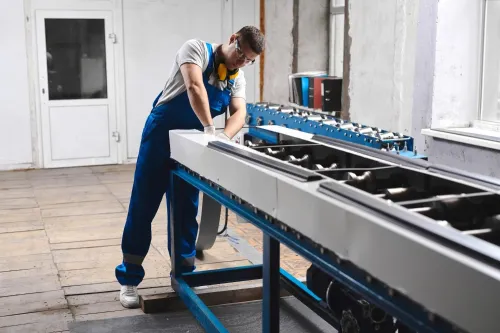
3. Specify dust covers, protected sensors, accessible cleaning points, belt-tracking access, and thermal management for Delhi’s hot, dusty conditions. Ask whether the printer needs filtered or conditioned air. Dust can foul photoelectric sensors, printer nozzles, encoder mechanisms, and tracking components.
4. For solvent-based continuous-inkjet equipment, review ink and make-up-fluid storage, ventilation, spill control, earthing, and hazardous-area classification with the printer supplier and site safety engineer. An ordinary motor enclosure does not establish hazardous-area compliance.
5. Test a batch printing conveyor with the actual substrate, ink, speed, temperature, and humidity. On porous corrugated cases, measure ink absorption, dust effects, rub resistance, and guide contact. On plastic or film, measure drying time and rub resistance at line speed. Reject any design that produces unreliable marks, even if its mechanics pass inspection.
Compare conveyor types and demand a measurable supplier specification
Do not compare quotations until you decide whether you need transport, batch control, accumulation, or separation. A stacker conveyor for coding is not automatically a coding conveyor; placing a printhead on a moving boom can change sensor distance and product orientation.
| Option | What it does | Choose it when |
|---|---|---|
| Simple coding conveyor | Holds products steady through the print zone | You need continuous transport and stable print geometry |
| Batch printing conveyor | Controls pitch, triggering, and batch timing | Products require repeatable spacing or fixed print events |
| Stacker | Accumulates, elevates, or discharges into a pile or vessel | Coding occurs upstream of loading or stacking |
| Destacker | Separates products before printing | Products arrive nested, overlapping, or in groups |
| Indexed print conveyor | Stops, spaces, buffers, and rejects products | Continuous movement cannot produce reliable codes |
For a stacker conveyor Delhi quotation, demand guaranteed values for:
- Belt width and usable width
- Length, speed range, rated load, and noise
- Incline, discharge height, and adjustment range
- Belt and frame material, tracking method, and motor rating
- Encoder accuracy and sensor repeatability
Reject any “capacity” figure that omits pieces per minute or tonnes per hour, product spacing, bulk density, and incline. Request a trial with your product, ink or ribbon, printhead, code, speed, and stacking pattern. Measure code position, character quality, drying or rub resistance, reject timing, restart behaviour, and stacking damage.
Compare the controls drawing, interface list, maintenance access, cleaning method, spare-parts schedule, and commissioning tests. Sunrise Conveyors belongs in the comparison when it documents these values and engineers around the printer rather than treating coding as an afterthought.
Related products
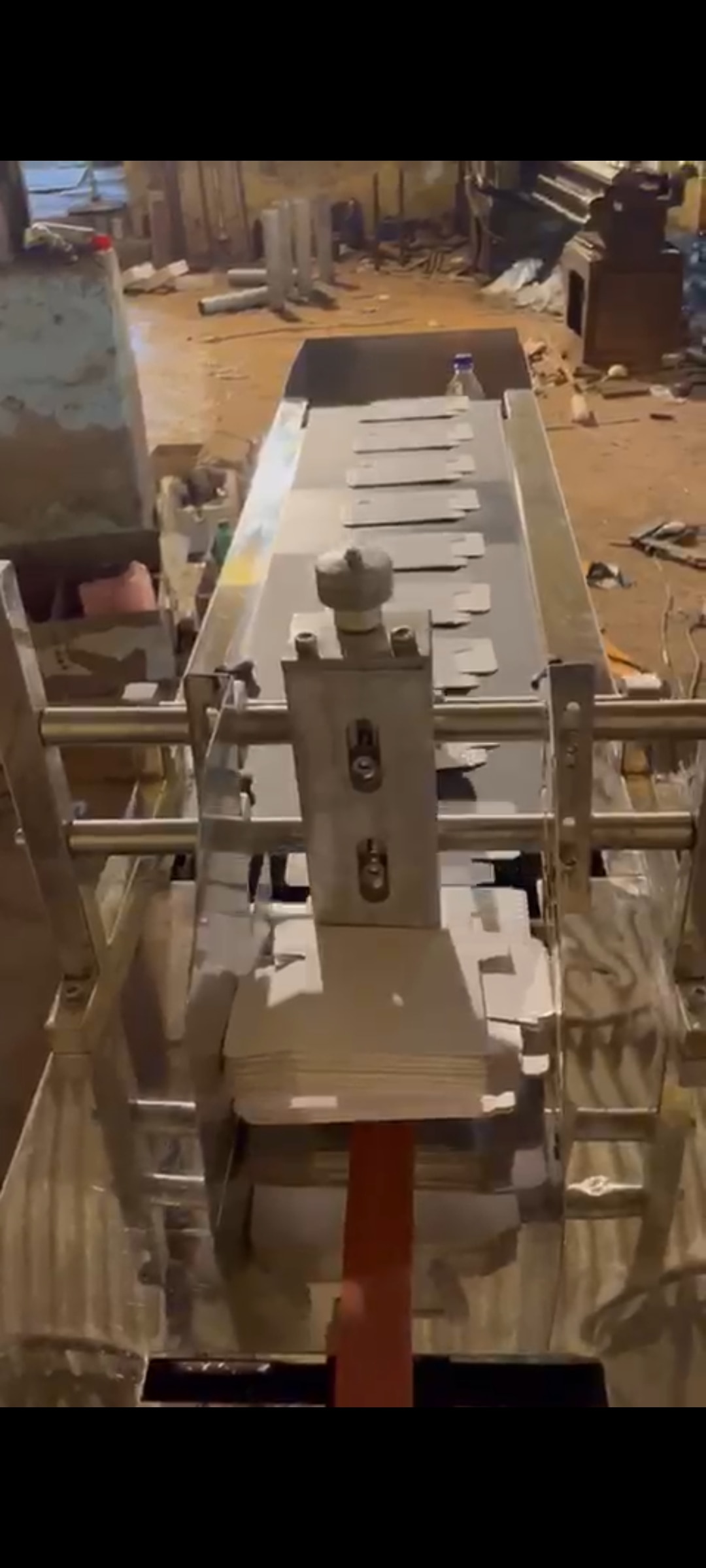 | Material Handling Equipment Stacker Conveyor For Coding And Batch Printing A stacker / destacker conveyor is designed to automatically stack or separate products during material handling operations. View product → |
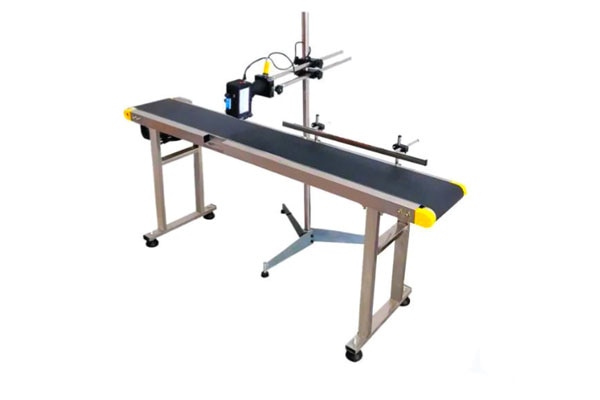 | Material Handling Equipment A print conveyor is a specialized conveyor system used in printing and packaging industries to transport printed materials smoothly between different... View product → |
Frequently asked questions
Where should the coding zone sit relative to a stacker conveyor?
Place the coding zone on a straight, rigid, fixed section before any hinge, telescoping boom, transfer point, or changing incline. Put the stacker after printing when its movement could alter product orientation or printhead distance.
How do you specify belt geometry for a coding conveyor?
Use the real package dimensions, weight, base material, centre of gravity, and surface condition. Check that the belt, guides, and product restraint hold the least stable package in the required orientation.
What must match between the conveyor and batch printer?
Match line speed, product spacing, sensor position, trigger delay, print cycle, encoder input, and reject or stop logic to the printer’s operating limits.
What should you check when buying a stacker conveyor in Delhi?
Check guarding, emergency stops, printer interfaces, access for cleaning and maintenance, electrical compatibility, dust and heat exposure, and the supplier’s measured stability and speed specifications.
Keywords